
NEW ORDER
#1247
Table 08
- 2×Smash burger
- 1×Truffle fries
Sent to kitchen
RESTAURANT OPERATING SYSTEM
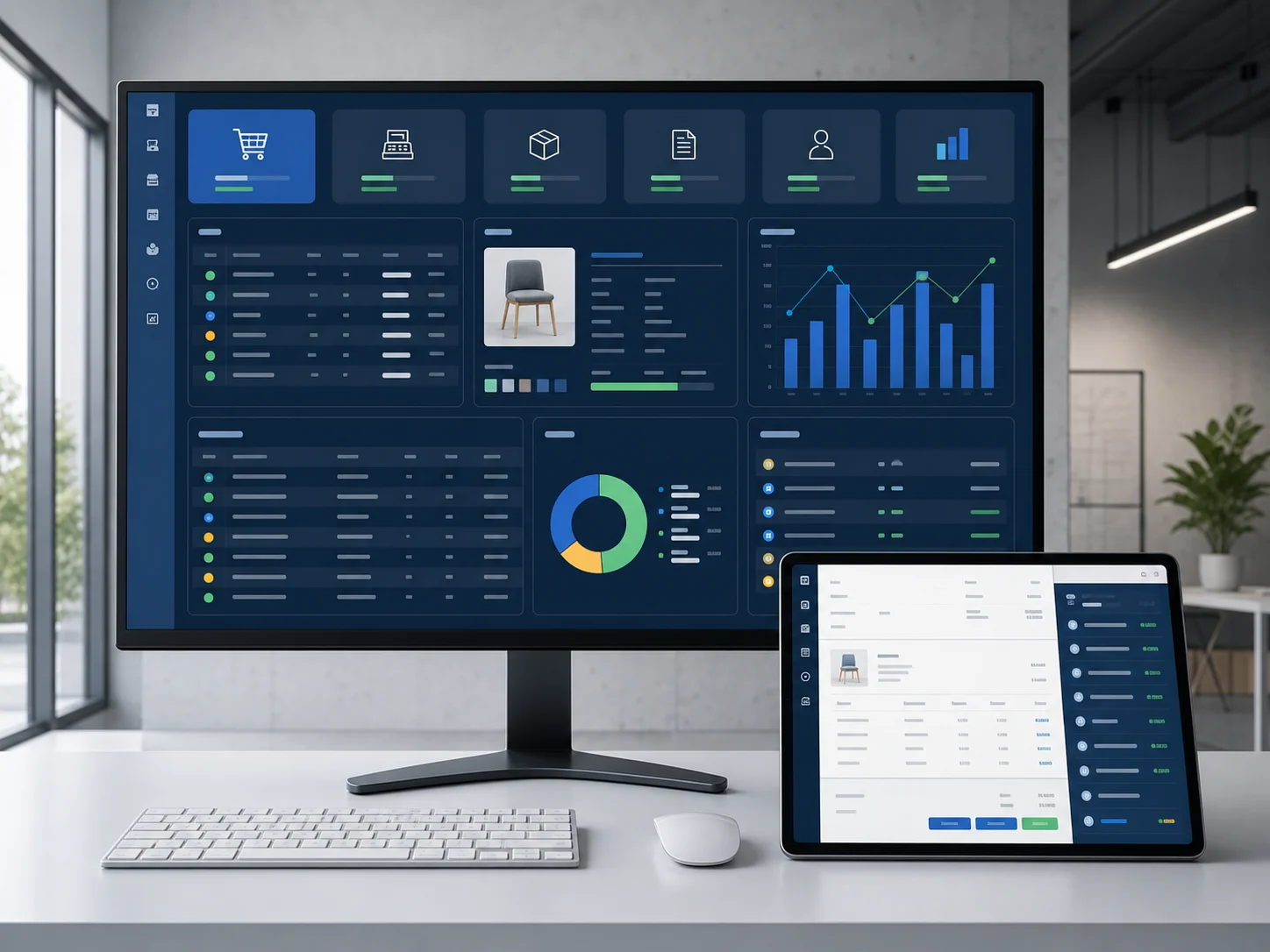
Menu, orders, POS, kitchen, recipes, stock and branches stay in sync.
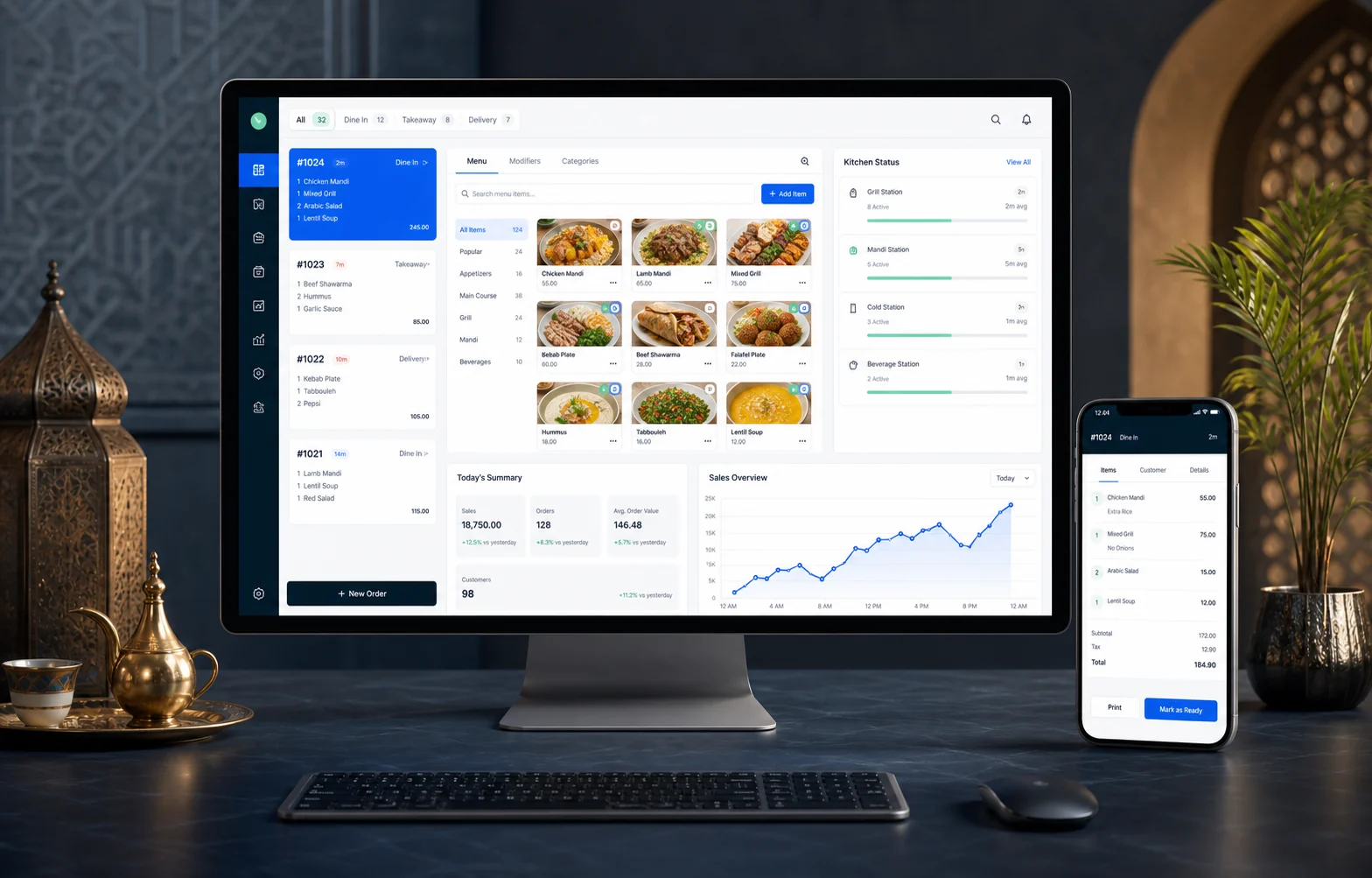
ONE ORDER. ONE SHARED VIEW.
Each person sees the next task, while management keeps the complete picture.
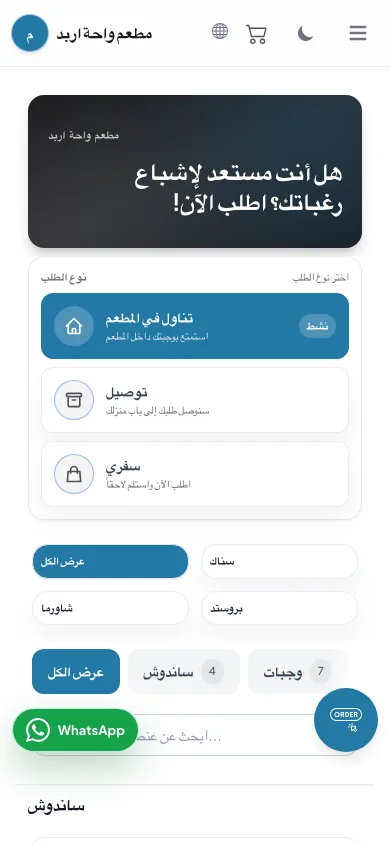
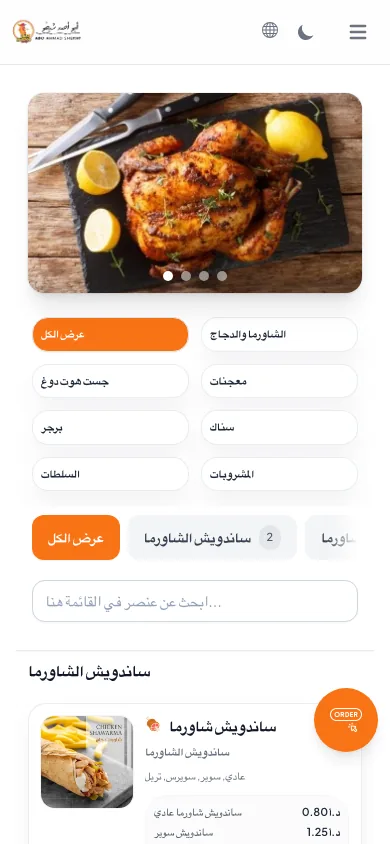
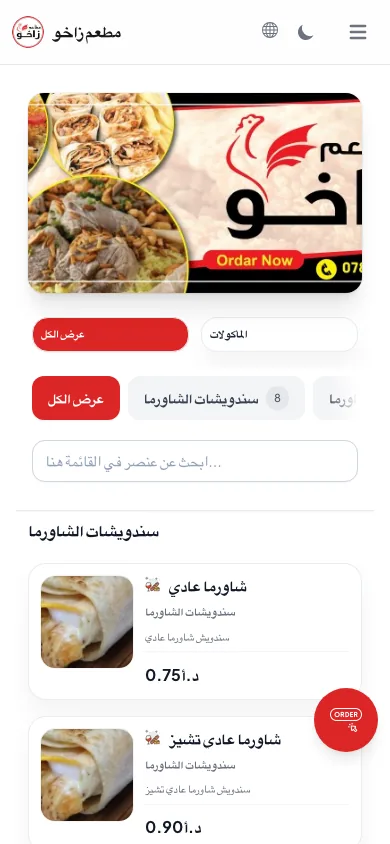
A clear Arabic or English menu sends the order to the same operation your team already uses.
Dine-in, delivery and online orders arrive in a consistent format with payment and table details.
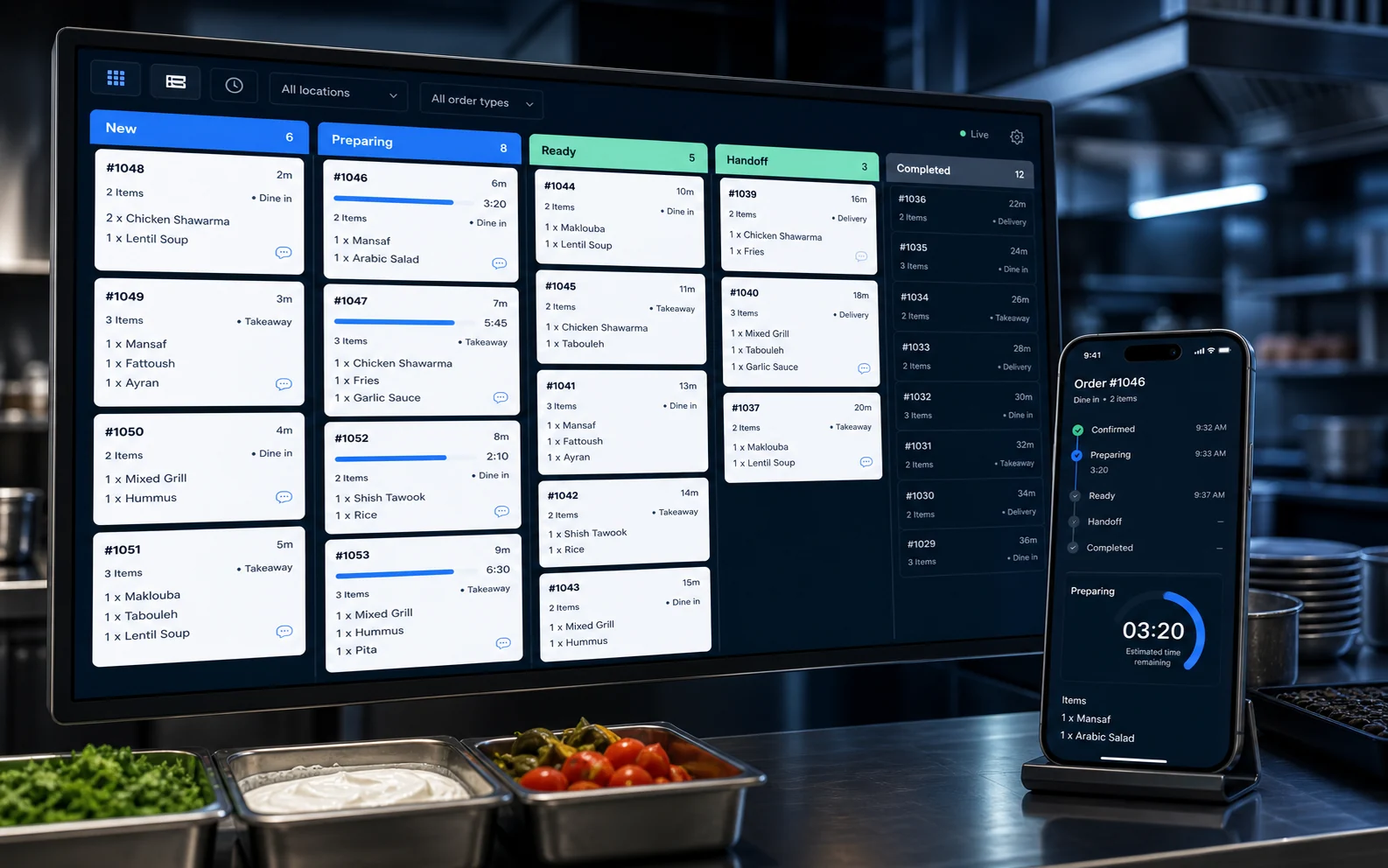
Items, notes and timing stay visible from new order to ready for service.
2× Smash burger
1× Truffle fries
PreparingRecipe quantities update stock visibility so purchasing and waste decisions use current information.
Sales, order times, stock movement and branch performance stay connected for daily review.
BUILT AROUND THE WORK
Each view focuses on the decisions that role needs to make now.
A SYSTEM THAT CAN GROW WITH YOU
Choose a focused starting point without losing the path to a complete restaurant operation.
Make it easy for guests to browse and order from the channel that suits them.
Give the front of house and kitchen one accurate flow from order to service.
Connect what you sell to what you buy, prepare and review each day.
Keep standards and visibility consistent as more people and branches join.
CLEAR PRICING
Choose one path, then compare its packages. Setup and yearly renewal are always shown separately.
تواصل معنا عبر واتساب وسنراجع معك الباقة المناسبة.
+962 79 710 6497SETUP WITH YOUR TEAM
Your system is configured around the way your restaurant actually takes, prepares and reviews orders.
Plan my setupWe map dine-in, takeaway, delivery and online needs.
The right screens and permissions are prepared for each person.
Each team learns the workflow they use during service.
We stay available while your real orders begin moving.
BEFORE YOU CHOOSE
Still unsure about your setup? The form below lets you send the details that matter.
نعم. ابدأ بباقة القائمة الرقمية التي تناسب طريقة طلب ضيوفك، ثم انتقل إلى POS عندما يحتاج تشغيلك ذلك. الأسعار الحالية موضحة في قسم الباقات.
Yes. POS, orders and kitchen displays are available as part of the operating packages. We recommend the package around your actual stations and order flow.
Yes. Branches, users, permissions and cross-branch reporting can be added as the business grows. We will confirm the scope and migration plan first.
Yes. Setup can cover menu configuration, devices, roles and team training. The exact work is confirmed from your requirements before you approve it.
YOUR RESTAURANT, YOUR REQUIREMENTS
Answer a few questions. Review the message. Send it to us on WhatsApp.
WhatsApp us directly +962 79 710 6497